
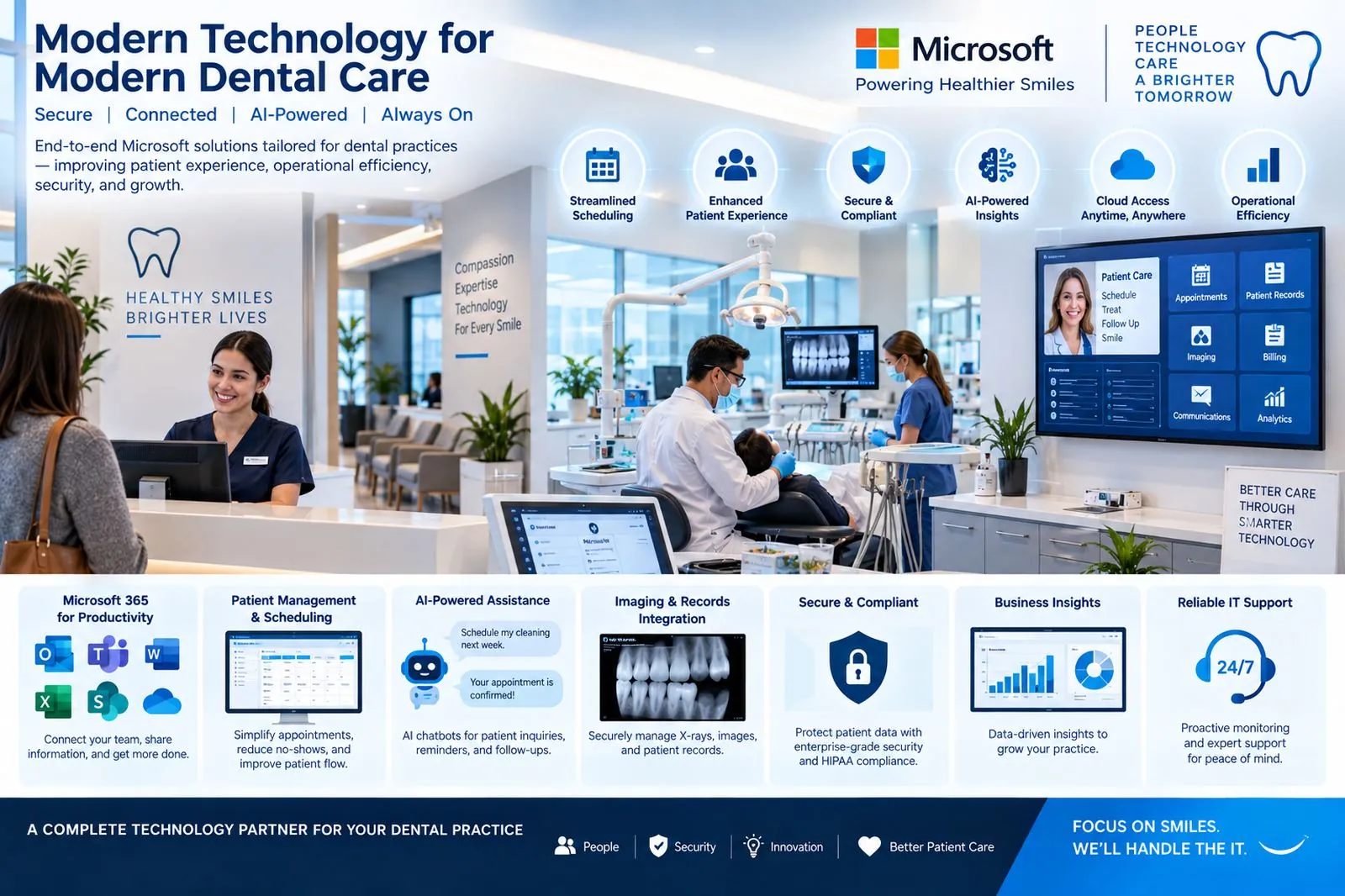
Keeping your practice connected, protected and available.
Modern technology for modern dental care.
Front desk, treatment rooms, imaging and practice management all run on the same small network—and all of it has to work at 8 a.m. Monday. We operate workstations, practice infrastructure, Microsoft and email, Wi-Fi, firewall, backup and ransomware protection as one managed environment.
Microsoft platform we deliver and run
- Microsoft 365Email, Teams, Office apps for every staff member
- SharePoint & OneDriveControlled document library: forms, policies, HR, vendor files
- Entra ID & IntuneIdentity, MFA and managed, encrypted workstations
- Practice server & imagingPractice management and imaging systems, monitored and patched
- Backup & RecoveryPractice server, imaging and Microsoft 365—isolated copies, tested restores
- Firewall & Wi-FiClinical, office and guest networks separated
- Cloud telephonyFront-desk call flows on Teams or a cloud PBX
Technology behind every part of the business.
From assessment to always-on, in six phases.
How Spicsoft delivers the complete environment for a dental practice—without interrupting patient care.
- 1Week 1
Assess
We review the practice end to end: front desk and treatment-room workstations, the practice management and imaging systems, how files and patient records are stored, phones, Wi-Fi, and where a backup actually exists. We agree what must never be down and how fast it must come back.
- Workstation & system inventory
- Patient-data flow review
- Recovery objectives for PMS and imaging
- 2Week 2
Design
A practice-sized environment: Microsoft 365 with Entra identity and MFA, a SharePoint structure for practice documents, managed workstations via Intune, a segmented network with a managed firewall and separate guest Wi-Fi, and an isolated backup plan for the practice server, imaging and Microsoft 365.
- Microsoft 365 & SharePoint design
- Network & firewall plan
- Backup & recovery design
- 3Weeks 3–4
Build
Tenant hardened, SharePoint library built and permissioned, workstations standardized and encrypted, firewall and Wi-Fi installed—done around clinic hours so no chair time is lost.
- Tenant, identity & MFA
- SharePoint document library
- Managed, encrypted workstations
- 4Week 5
Migrate
Mail moves to Exchange Online and shared drives into SharePoint/OneDrive in a single planned cutover, usually over a weekend, with the practice manager validating Monday morning before patients arrive.
- Email migration
- Files to SharePoint / OneDrive
- Monday-morning validation
- 5Week 6
Protect
Endpoint protection with ransomware defense on every device, email security, backup jobs for the server, imaging and Microsoft 365 verified—then a documented restore test with timings you can show your compliance advisor.
- Endpoint & email protection
- Isolated backups running
- Restore test documented
- 6Ongoing
Operate
24/7 monitoring and help desk for the whole team, a named engineer who knows the practice, quarterly restore tests and reviews—and Copilot introduced for front-desk communication once the data is governed.
- 24/7 help desk & monitoring
- Quarterly restore tests
- Copilot for the front desk
- Practice management and imaging always available
- Patient data protected and recoverable
- Phones and scheduling that never miss a call
- Support that responds before the first patient
How this looks in a real business.
Asked by dental and healthcare businesses.
Answers specific to how you operate. General questions about support, pricing and onboarding are on our FAQ page.
Do you understand dental practice-management and imaging software?
Yes. We support the practice-management, imaging and scheduling systems dental offices run on, and coordinate with those vendors directly so the front desk is never stuck in the middle.
How do you protect patient records?
Encrypted devices, multi-factor authentication, segmented clinical and guest networks, email protection and isolated, tested backups—aligned to PHIPA obligations for Ontario practices.
Can the practice keep running if the server fails?
Yes. Backups are restore-tested, and the recovery plan sets out how quickly scheduling, imaging and records are back so the practice can see patients.
Do you support multiple locations?
Yes. Several practices or a growing group can share one secure environment with a single support team and consistent security.
Will support work around patient hours?
Yes. Maintenance is scheduled outside clinic hours, and support is available whenever a treatment room or the front desk needs it.
