
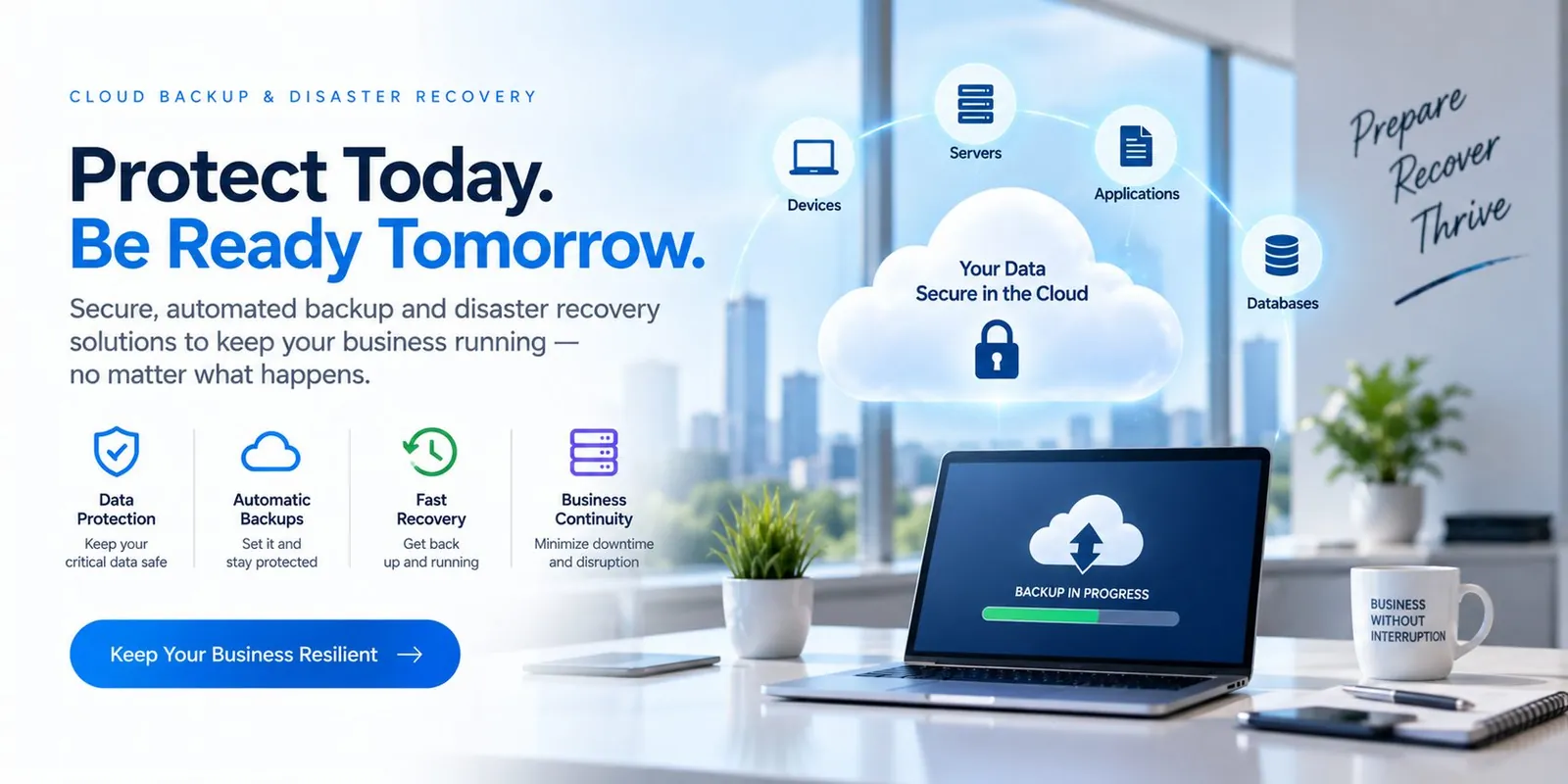
Protect Today. Be Ready Tomorrow.
Secure, automated backup and disaster recovery solutions to keep your business running — no matter what happens.
- Servers
- Virtual machines
- Microsoft 365
- Endpoints
- Databases
- Applications
- Immutable cloud copies
- Restore testing
- DR runbooks
A backup is only as good as its last successful restore. Spicsoft protects servers, Microsoft 365 and endpoints with isolated, monitored backups and recovery plans we test with you.
Problems this solves
- A backup job that has never been restore-tested
- Microsoft 365 data assumed to be "in the cloud"
- No idea how long recovery would take
Everything needed to run it—not just install it.
From assessment to ongoing management.
- 1
We define what must be recoverable, and how fast.
- 2
We protect it in isolated cloud copies.
- 3
We test restores on a schedule and document the results.
From assessment to always-on, in six phases.
How Spicsoft delivers Cloud Backup & Disaster Recovery for a business like yours.
- 1Week 1
Assess
What must be recoverable, how fast, and to what point in time—per system. We inventory servers, VMs, Microsoft 365, endpoints and databases, and find out what the current backup would actually restore.
- System & data inventory
- RTO / RPO per system
- Current-backup restore attempt
- 2Week 2
Design
A protection plan with isolated, immutable cloud copies, retention that matches your policy and insurer, and a recovery order: what comes back first so the business can run.
- Backup architecture & retention
- Immutable cloud target
- Recovery sequence
- 3Week 3
Deploy
Agents and jobs configured for servers, VMs, endpoints and Microsoft 365. First full copies seeded; monitoring wired to our 24/7 team so a failed job is a ticket, not a surprise.
- Jobs running for every system
- First full copies complete
- Job monitoring live
- 4Week 4
Prove
A full restore test—server, mailbox, files—timed and documented. If a step is slow or a dependency is missing, we fix the plan now, not during an incident.
- Timed restore test
- Runbook corrected
- Evidence pack for auditors
- 5Week 5
Rehearse
A tabletop walkthrough with your leadership: the phone rings at 6 a.m., what happens? Roles, contacts, decisions and communications agreed and written down.
- DR tabletop exercise
- Roles & contacts
- Communication plan
- 6Ongoing
Operate
Backups monitored daily, restores tested quarterly, retention and coverage reviewed as systems change—and the same team on the line if you ever need to invoke the plan.
- Daily monitoring
- Quarterly restore tests
- Annual DR review
What changes for your business.
Managed under one agreement with 24/7 monitoring, support and a named team accountable for the result.
- Known recovery times instead of hope
- Protection against ransomware and accidental deletion
- Evidence of recoverability for auditors and insurers
Straight answers.
Specific to this service. Support hours, onboarding, pricing and service area are covered on our FAQ page.
Doesn't Microsoft back up our data?
Microsoft protects its platform, not your deleted or encrypted data beyond short retention. A separate backup is your responsibility.
Can ransomware reach the backups?
Isolated, immutable copies are designed so it cannot.
How fast could we be back up after a disaster?
That depends on the recovery objective we agree for each system. Critical servers can be restarted in the cloud or on standby hardware within hours; the plan writes down the target for each workload so there is no guessing on the day.
What exactly is backed up?
Servers and their applications, workstations where they hold data, Microsoft 365 mail, OneDrive, SharePoint and Teams, and specialised systems such as imaging or ERP databases—each with retention set to your requirements.
Where is the backup data stored?
In an isolated Canadian cloud repository, with a local copy where fast restores matter. You are told where your data lives and who can access it.
What is the difference between backup and disaster recovery?
Backup is a copy of your data. Disaster recovery is the tested plan and platform that turns that copy back into a running business—servers, network, phones and people—within an agreed time.
