
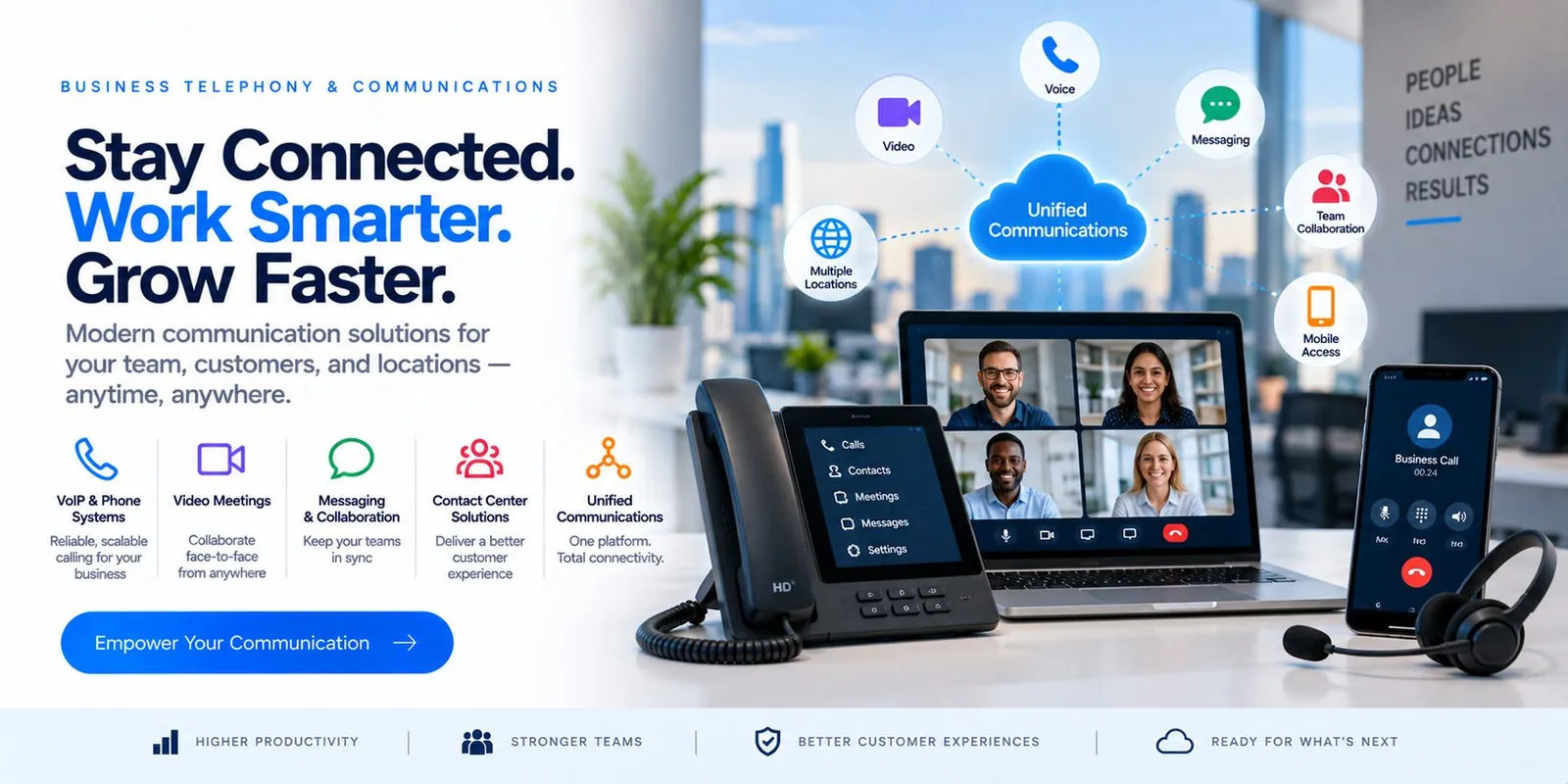
Stay Connected. Work Smarter. Grow Faster.
Modern communication solutions for your team, customers and locations — anytime, anywhere.
- Voice
- Video
- Messaging
- Team collaboration
- Mobile access
- Multiple locations
- Teams Phone
- Cloud PBX
- Contact center
- Number porting
From the front desk to the dispatch office to a driver on the road, communication is part of your technology environment. We design and manage cloud voice, Teams calling and collaboration tools as one service.
Problems this solves
- An aging PBX and a carrier nobody can reach
- Missed calls at the front desk
- Drivers and shop staff unreachable by the office
Everything needed to run it—not just install it.
From assessment to ongoing management.
- 1
We map how your business communicates today.
- 2
We design a cloud voice platform that fits.
- 3
We migrate numbers and train your team.
- 4
We manage and support it with everything else.
From assessment to always-on, in six phases.
How Spicsoft delivers Business Telephony & Communications for a business like yours.
- 1Week 1
Assess
How your business actually communicates: who answers the main line, how calls reach the shop or a driver, which numbers matter, what the current carrier contract says, and where the network needs to be ready for voice.
- Call-flow interviews
- Number and carrier inventory
- Network readiness check
- 2Week 2
Design
Teams Phone or a cloud PBX—chosen for how you work, not for a vendor. Auto-attendants, queues and voicemail designed around your front desk and after-hours reality; devices chosen per role.
- Platform choice
- Call flows & after-hours
- Device plan per role
- 3Week 3
Build
Tenant and voice platform configured, call flows built and test-called, desk phones provisioned, softphones and mobile apps ready, meeting rooms set up.
- Voice platform configured
- Call flows tested
- Devices provisioned
- 4Week 4
Port & Cut over
Numbers ported on a scheduled date with the old system kept live until the port completes—no lost calls. Staff trained the day before; engineers on the floor the morning after.
- Number porting
- Parallel running
- Floor support day one
- 5Week 5
Refine
Real call reports reviewed with you: wait times, missed calls, queue behaviour. Flows tuned and voicemail greetings finalized.
- Call reporting review
- Queue and flow tuning
- Greetings finalized
- 6Ongoing
Operate
Adds, moves and changes handled by the same help desk that runs your computers; carrier managed for you; new sites and remote staff added in days.
- Adds / moves / changes
- Carrier management
- New sites & remote staff
What changes for your business.
Managed under one agreement with 24/7 monitoring, support and a named team accountable for the result.
- One phone system across every location and device
- Calls answered, routed and recorded correctly
- No separate telecom vendor to chase
Straight answers.
Specific to this service. Support hours, onboarding, pricing and service area are covered on our FAQ page.
Can we keep our numbers?
Yes—porting is planned and tested as part of cutover.
Do we need new phones?
Often not; many existing phones and headsets are supported, and softphones reduce hardware entirely.
Is it managed with everything else?
Yes—one support line for phones, network and computers.
Can staff take calls from home or on mobile?
Yes. The same business number rings on a desk phone, laptop or mobile app, with voicemail, transfers and presence working the same wherever the person is.
What happens to the phones if the internet goes down?
Calls can fail over to a secondary connection or mobile app automatically, and the network is designed with call quality in mind so a busy office does not degrade voice.
Does it work with Microsoft Teams?
Yes. Teams calling can replace or sit alongside a traditional phone system, and we design the option that fits your reception, queues and compliance needs.
