
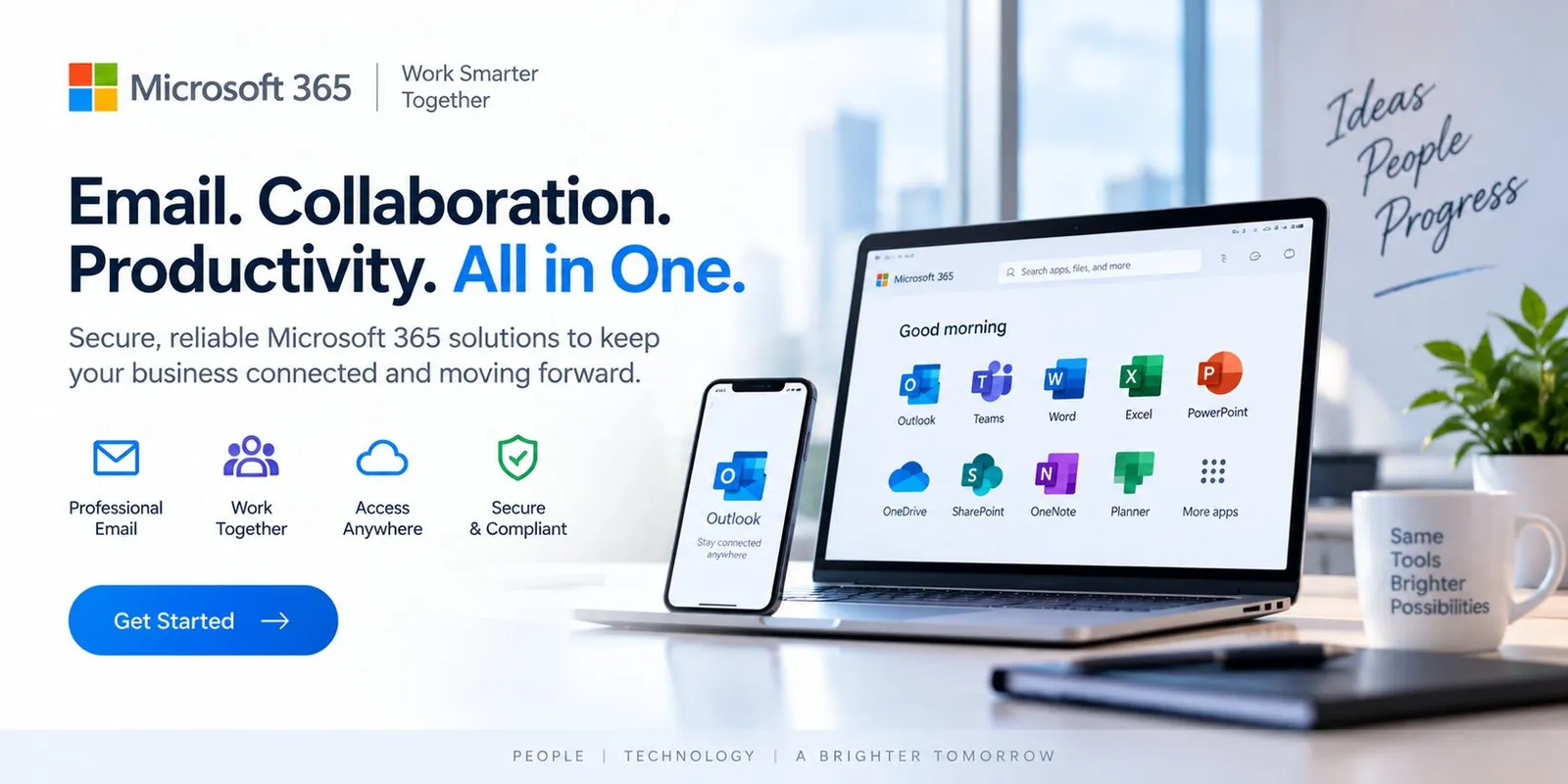
Email. Collaboration. Productivity. All in One.
Secure, reliable Microsoft 365 solutions to keep your business connected and moving forward.
- Outlook
- Teams
- Word
- Excel
- PowerPoint
- OneDrive
- SharePoint
- OneNote
- Planner
- Intune
- Entra ID
- Copilot
Microsoft 365 is where your employees actually work. Spicsoft configures, secures and supports identity, email, Teams, SharePoint and the desktop so that it simply works—and stays protected.
Problems this solves
- Shared passwords and no MFA
- Files scattered across drives and personal OneDrives
- Onboarding a new hire takes days
Everything needed to run it—not just install it.
From assessment to ongoing management.
- 1
We assess your tenant, licensing and security posture.
- 2
We standardize identity, devices and collaboration.
- 3
We support your people directly—24/7.
From assessment to always-on, in six phases.
How Spicsoft delivers Microsoft 365 & Email for a business like yours.
- 1Week 1
Assess
Licensing, tenant configuration, mailboxes, file shares and identities reviewed. We find the shared passwords, the unmanaged laptops and the data sitting in personal drives—and agree what "done" looks like.
- Tenant & licensing review
- Mail and file inventory
- Security baseline gaps
- 2Week 2
Design
Identity first: Entra ID with MFA and conditional access. Then the shape of collaboration—Teams and SharePoint structured by how you actually work—plus Intune device standards and email security.
- Identity & access model
- SharePoint / Teams structure
- Device standard & policies
- 3Weeks 3–4
Build
Tenant hardened, SharePoint libraries built and permissioned, Intune policies applied to a pilot group, email protection switched on, and every user prepared with a short walkthrough.
- Tenant hardening
- Libraries & permissions
- Pilot group enrolled
- 4Week 5
Migrate
Mail and files move in planned waves—usually a weekend for a smaller business—with a support line open the next morning and old systems kept read-only until nobody needs them.
- Mail migration
- Files to SharePoint / OneDrive
- Next-morning support
- 5Week 6
Protect
MFA enforced for all, legacy protocols closed, backups of Microsoft 365 running and restore-tested, and reporting on who has access to what.
- MFA everywhere
- Microsoft 365 backup
- Access reporting
- 6Ongoing
Operate
24/7 help desk for every user, onboarding and offboarding in hours not days, license optimization each quarter, and Copilot introduced once permissions and data hygiene are proven.
- 24/7 user help desk
- On/offboarding in hours
- Copilot readiness & rollout
What changes for your business.
Managed under one agreement with 24/7 monitoring, support and a named team accountable for the result.
- Employees who can work from anywhere, securely
- A tenant configured to Microsoft best practice
- One place to call for anything Microsoft
Straight answers.
Specific to this service. Support hours, onboarding, pricing and service area are covered on our FAQ page.
Are we on the right licenses?
We review licensing during assessment and right-size it—often reducing cost while adding security features you already pay for.
Will users notice the migration?
Cutovers are scheduled outside working hours with communication and a support line the next morning.
Can you roll out Copilot?
Yes. Readiness starts with permissions and data hygiene, which this service puts in place, followed by a pilot group on real tasks.
Can we move our shared drive into SharePoint?
Yes. Folder structures are mapped to SharePoint libraries with permissions set deliberately, files are migrated with version history where possible, and staff keep working through File Explorer and Teams.
How do you stop phishing and account takeover?
Multi-factor authentication on every account, email filtering with link and attachment protection, conditional-access policies and alerts for unusual sign-ins—reviewed by our team, not just switched on.
Who administers the tenant after migration?
We do. User onboarding and offboarding, licensing, security policies, Teams and SharePoint changes are handled under the same agreement, with you keeping full ownership of the tenant.
