
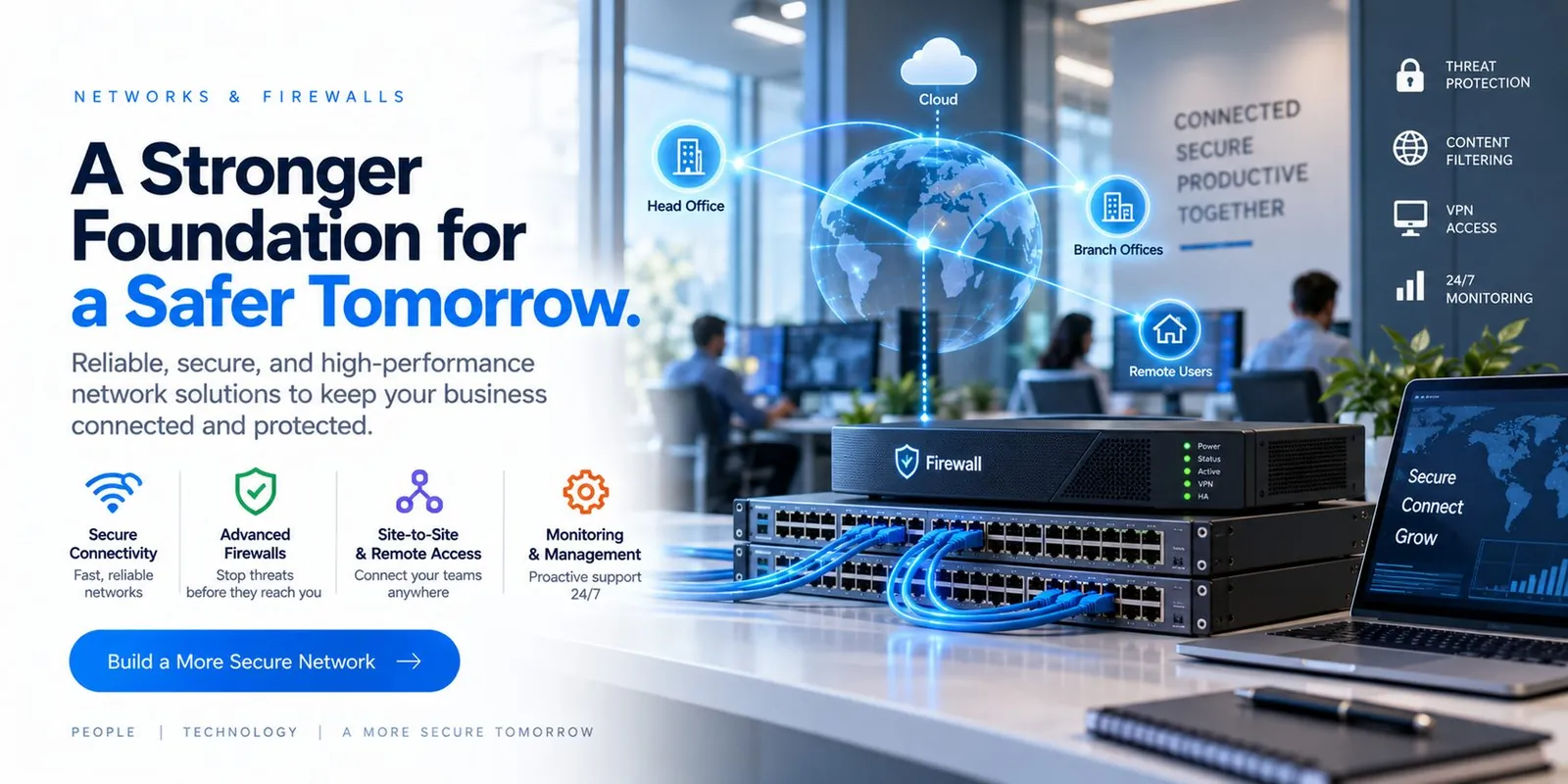
A Stronger Foundation for a Safer Tomorrow.
Reliable, secure and high-performance network solutions to keep your business connected and protected.
- Managed firewall
- Threat protection
- Content filtering
- VPN access
- Switching
- VLAN segmentation
- Wi-Fi
- Site-to-site links
- 24/7 monitoring
- Config backup
Your network is the road every other system travels on. We design, secure and manage switching, Wi-Fi, firewalls and site-to-site links so that traffic flows and threats do not.
Problems this solves
- Wi-Fi that drops in the shop or the far office
- A firewall installed years ago and never reviewed
- Vendors with open access into the network
Everything needed to run it—not just install it.
From assessment to ongoing management.
- 1
We map what connects to what—including the equipment nobody documented.
- 2
We segment, secure and standardize the network.
- 3
We manage it continuously with monitoring and change control.
From assessment to always-on, in six phases.
How Spicsoft delivers Networks & Firewalls for a business like yours.
- 1Week 1
Discover
We map what connects to what—every switch, access point, firewall rule, ISP circuit and the equipment nobody documented—and measure where Wi-Fi and throughput actually fall short.
- Network map & inventory
- Wi-Fi survey
- Firewall rule review
- 2Week 2
Design
A segmented network: office, servers, guests, cameras and operational devices each on their own VLAN with a managed firewall between them; remote access and site-to-site links designed for how people really work.
- Segmentation & VLAN plan
- Firewall policy
- Remote & site-to-site design
- 3Week 3
Stage
New firewall and switching configured and tested off-line against the design; configurations backed up before anything touches production.
- Firewall & switches staged
- Config backups
- Cutover runbook
- 4Week 4
Cut over
Installed in a planned window—usually an evening—with rollback ready. Wi-Fi re-planned from the survey; every VLAN, VPN and rule verified live.
- Evening cutover
- Wi-Fi rollout
- Live verification
- 5Week 5
Secure
Threat protection and content filtering tuned; vendor access made segmented, time-bound and logged; monitoring wired to the 24/7 team.
- Threat protection tuned
- Vendor access controls
- 24/7 monitoring live
- 6Ongoing
Operate
Firmware, rules and capacity managed continuously; link and device alerts handled around the clock; new sites and buildings added on the same design.
- Firmware & rule management
- 24/7 link & device alerts
- New sites on the same design
What changes for your business.
Managed under one agreement with 24/7 monitoring, support and a named team accountable for the result.
- Consistent, fast connectivity across sites
- A perimeter that is watched, not just installed
- Network problems found before your users report them
Straight answers.
Specific to this service. Support hours, onboarding, pricing and service area are covered on our FAQ page.
Can you connect two buildings without trenching?
Usually yes—point-to-point wireless or existing fiber paths. We survey first and quote the option that fits.
Do you manage the firewall we already own?
If it is supportable, yes. If it has reached end of life we will tell you and propose a replacement.
How do you handle vendor access?
Each vendor gets segmented, time-bound access to only their equipment—and we log it.
Why is our Wi-Fi slow even though the internet is fast?
Usually coverage, channel congestion or consumer-grade equipment. A wireless survey shows where the gaps are, and enterprise access points with proper placement fix it—without a bigger internet bill.
Should guests, staff and equipment be on the same network?
No. Guest Wi-Fi, staff devices, printers, cameras and any vendor equipment are separated so a compromised device or a visitor's laptop cannot reach your servers.
What does a managed firewall include?
Licensed threat protection, secure remote access for staff, content filtering, firmware kept current, configuration backed up and change-controlled, and 24/7 monitoring of the device itself.
