
Protecting a Dental Practice Against Data Loss and Ransomware
Layered endpoint protection, a managed firewall and isolated, tested backups turned a fragile practice network into a recoverable one.
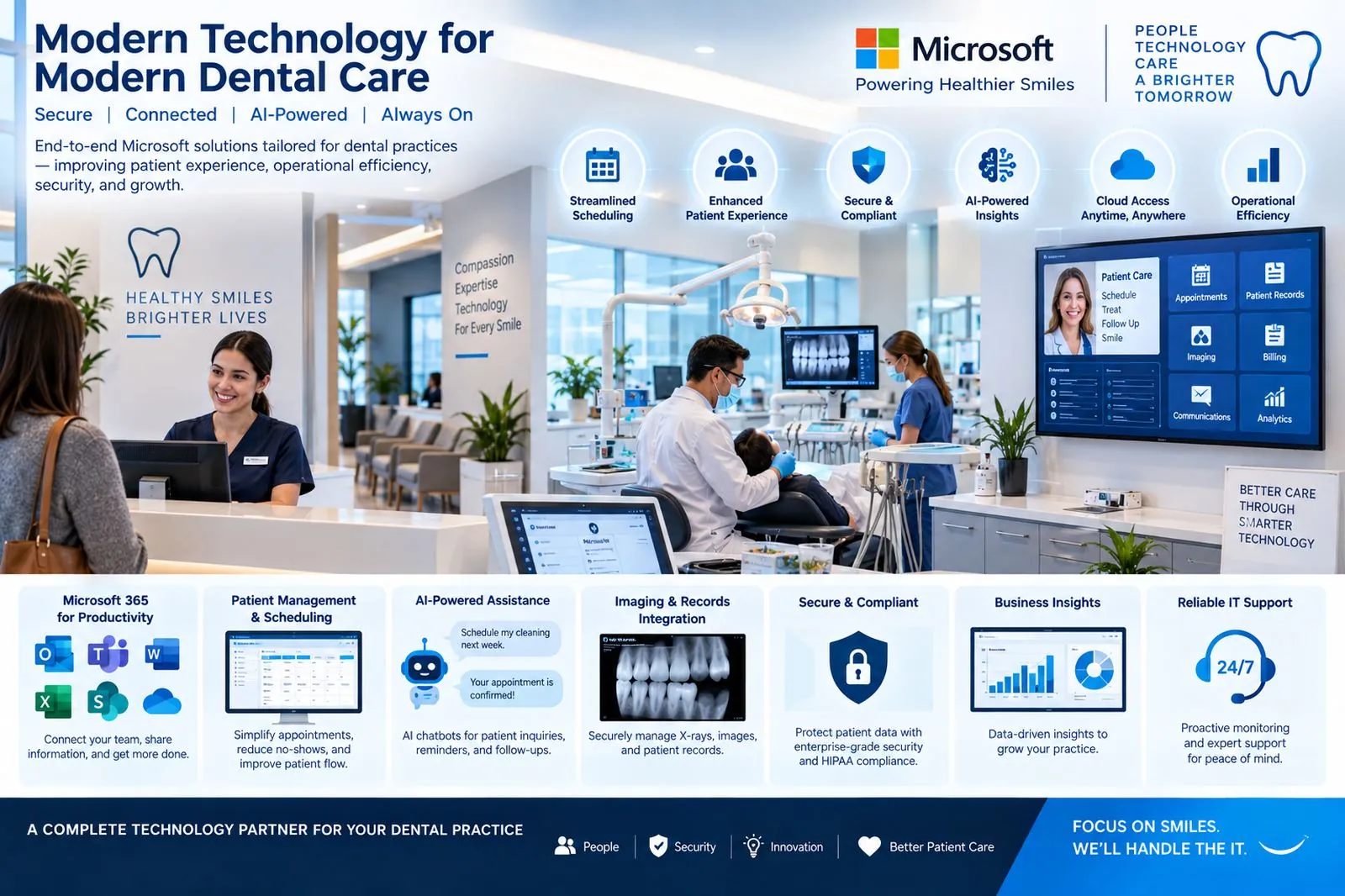
A growing practice depended on a single server, unmanaged workstations and a backup nobody had tested. One phishing email could have closed the doors for a week.
- Microsoft 365 with Entra identity and MFA; practice documents moved into a permissioned SharePoint library
- Managed firewall and Wi-Fi segmentation for clinical, office and guest devices
- Behavior-based endpoint protection on every workstation and the practice server
- Isolated cloud backups of the practice server, imaging and Microsoft 365, restore-tested quarterly
- 24/7 monitoring and help desk with a named support team
Six phases. No stopped science.
- 1Week 1
Assess
We review the practice end to end: front desk and treatment-room workstations, the practice management and imaging systems, how files and patient records are stored, phones, Wi-Fi, and where a backup actually exists. We agree what must never be down and how fast it must come back.
- Workstation & system inventory
- Patient-data flow review
- Recovery objectives for PMS and imaging
- 2Week 2
Design
A practice-sized environment: Microsoft 365 with Entra identity and MFA, a SharePoint structure for practice documents, managed workstations via Intune, a segmented network with a managed firewall and separate guest Wi-Fi, and an isolated backup plan for the practice server, imaging and Microsoft 365.
- Microsoft 365 & SharePoint design
- Network & firewall plan
- Backup & recovery design
- 3Weeks 3–4
Build
Tenant hardened, SharePoint library built and permissioned, workstations standardized and encrypted, firewall and Wi-Fi installed—done around clinic hours so no chair time is lost.
- Tenant, identity & MFA
- SharePoint document library
- Managed, encrypted workstations
- 4Week 5
Migrate
Mail moves to Exchange Online and shared drives into SharePoint/OneDrive in a single planned cutover, usually over a weekend, with the practice manager validating Monday morning before patients arrive.
- Email migration
- Files to SharePoint / OneDrive
- Monday-morning validation
- 5Week 6
Protect
Endpoint protection with ransomware defense on every device, email security, backup jobs for the server, imaging and Microsoft 365 verified—then a documented restore test with timings you can show your compliance advisor.
- Endpoint & email protection
- Isolated backups running
- Restore test documented
- 6Ongoing
Operate
24/7 monitoring and help desk for the whole team, a named engineer who knows the practice, quarterly restore tests and reviews—and Copilot introduced for front-desk communication once the data is governed.
- 24/7 help desk & monitoring
- Quarterly restore tests
- Copilot for the front desk
The practice moved from a single untested backup and unmanaged workstations to layered protection: isolated, restore-tested backups, MFA on every account, segmented networks and 24/7 monitoring—a recoverable practice rather than a fragile one.
- Ransomware Defense — managed, monitored and supported under one agreement
- Backup — managed, monitored and supported under one agreement
- M365 — managed, monitored and supported under one agreement
